Workflows
A batch your Safe already proposed, kept under a name, and run again at today's prices.
What it does
A workflow is a batch your Safe already proposed, saved under a name. Claim, swap, bridge, pay: whatever the batch did, the workflow can do again next week without anyone opening the dApp. When you run it, the app rebuilds every step at today's prices, simulates the result, and proposes it to the Safe like any other transaction. When a step's amount can still move before the batch executes, such as a swap, the batch ends with a call to Bounds, which undoes all of it if the Safe's balances land outside what the owners signed.
What could go wrong without it
The loop you run every week lives in one person's head and in their browser history. When that person is away, the treasury waits. When they replay it by hand, a slippage field or an amount gets typed wrong once, and once is enough.
What you see in the app
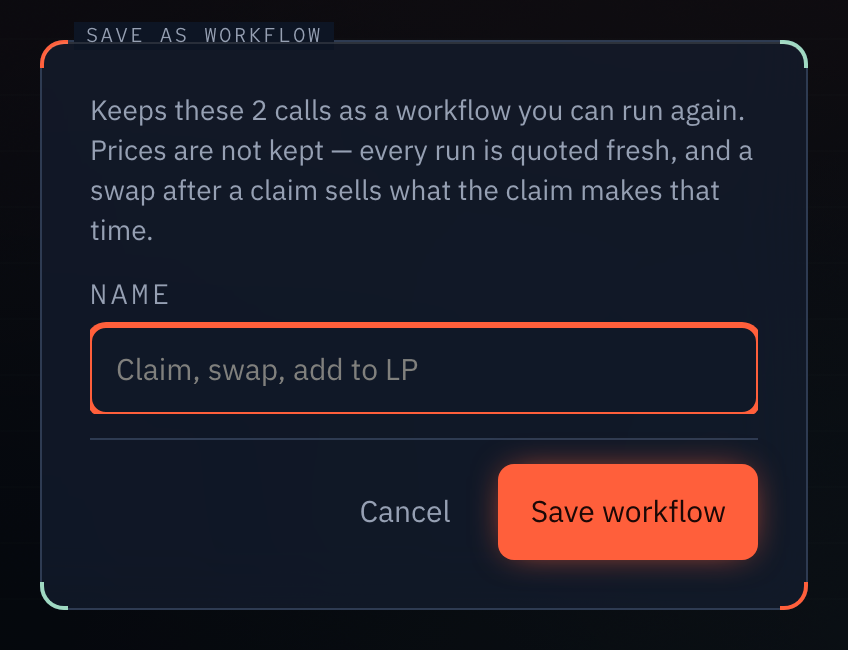
Saving. Any pending proposal in the queue has a "Save as workflow" action. It asks for a name, and nothing else. The app keeps the steps, the addresses and the amounts that were chosen at the time. It does not keep prices.
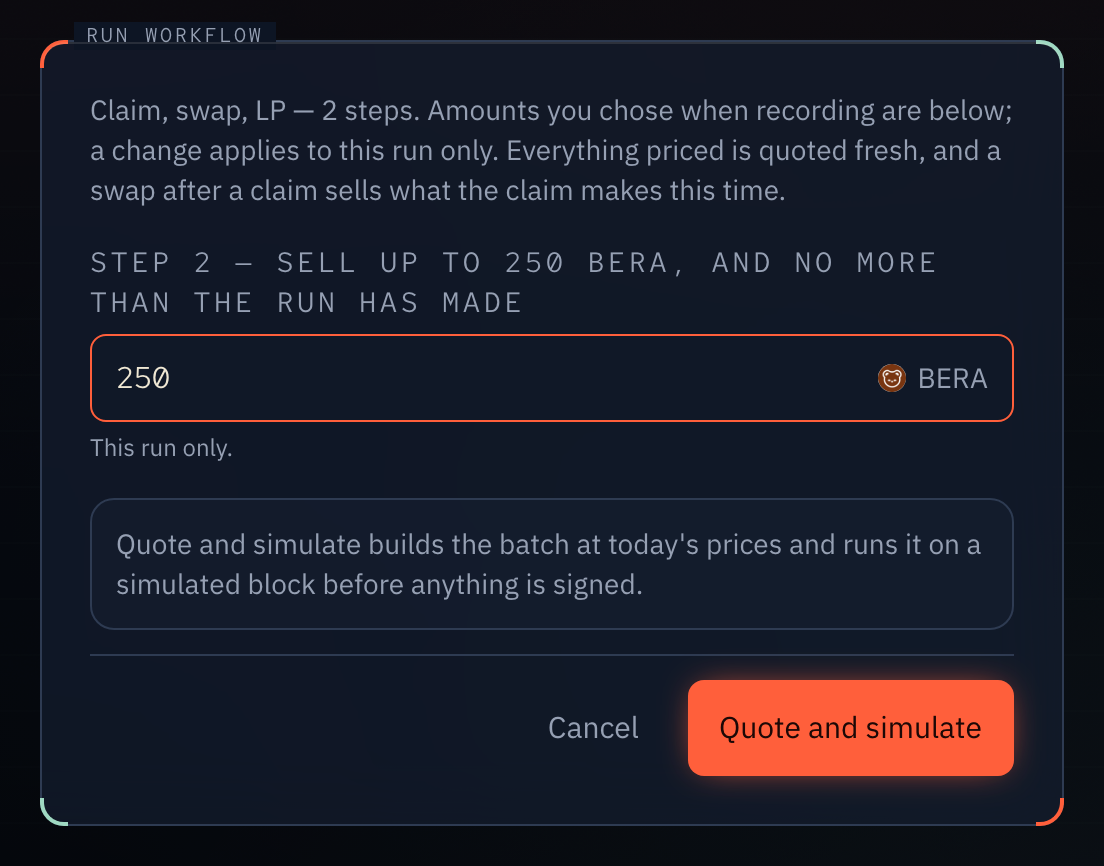
Running. The workflow page has one Run button. It opens in three stages.
- Amounts. The numbers a person chose are shown as inputs. You can change them for this run only. The saved workflow never changes.
- Quote and simulate. Every step is rebuilt at current prices and the whole batch is simulated. A swap is re-quoted, so only the amount you chose survives. A step that sells what an earlier claim produced sells what the claim produces today. A plain call is replayed exactly as recorded.
- Sign. On a Safe that needs one signature the button reads "Sign and execute". Otherwise it reads "Propose", and the other owners sign as usual.
If the simulation fails, the sign button stays off and the reason is shown. A run lands in the Safe's queue with the same states as any transaction: proposed, awaiting signatures, executed, failed, replaced.
What it does not do
A workflow does not run on a schedule. Every run is a person pressing Run. By default every run is a proposal that the Safe's owners sign. Whether the last signature also executes is the Safe's own setting, not the workflow's. To let any one signer run it without collecting signatures, automate it.
You cannot edit a saved workflow, share it with another Safe, or move it to another chain. A batch that changes the Safe itself, its owners or threshold, cannot be saved as one.